Dengan bahasa pemrograman CSS dan JavaScript, kita dapat dengan mudah membuat game ping pong. Lalu, bagaimana cara membuat game ping pong dengan CSS dan JavaScript? Yuk buka komputer kamu, dan ikuti beberapa langkah di bawah ini.
Tutorial
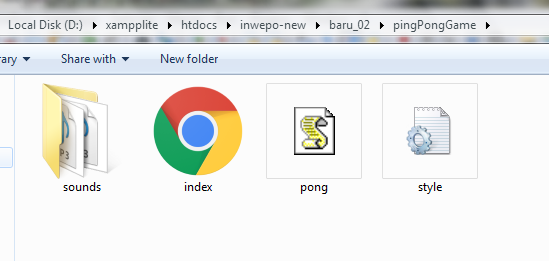
1. Download efek suara pelengkap game. Letakkan folder sound di folder yang sama dengan index.html dan style.css.
2. Buka XAMPP Control Panel, serta aktifkan Apache.
3. Buka program teks editor yang ter-install di komputer kamu, disini saya menggunakan teks editor Notepad++. Ketikkan kode HTML5 berikut ini.
<!DOCTYPE html>
<html lang="en">
<head>
    <meta charset="UTF-8">
    <title>Game Ping Pong</title>
	<link rel="stylesheet" href="style.css">
</head>
<body>
   <canvas id="pong" width="600" height="400"></canvas>
   <script src="pong.js"></script>
</body>
</html>
Simpan kode HTLM5 di atas di folder xampplite – htdocs – buat folder baru dengan nama PingPongGame – simpan kode di atas dengan nama index.html.
4. Untuk melihat hasil script code di atas, kamu bisa buka browser kamu ketiklah http://localhost/PingPongGame.
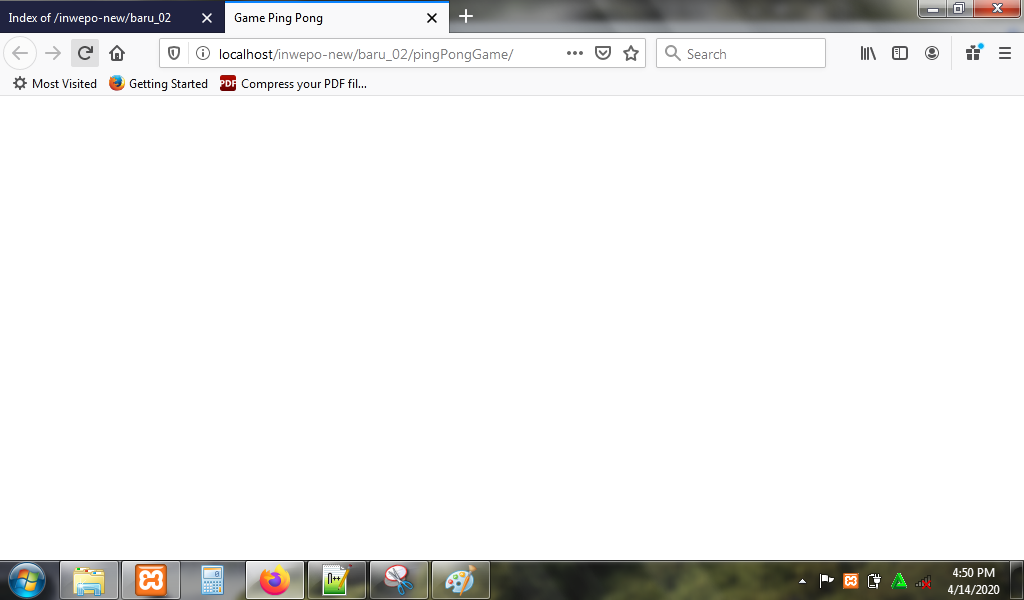
5. Untuk membuat background game, ketikkan kode CSS berikut ini.
body{
    background-color: #2c3e50;
}
#pong{
    border: 2px solid #FFF;
    position: absolute;
    margin :auto;
    top:0;
    right:0;
    left:0;
	bottom:0;
}
Simpan kode CSS di folder xampplite – htdocs – buat folder baru dengan nama PingPongGame – simpan code CSS dengan nama style.css.
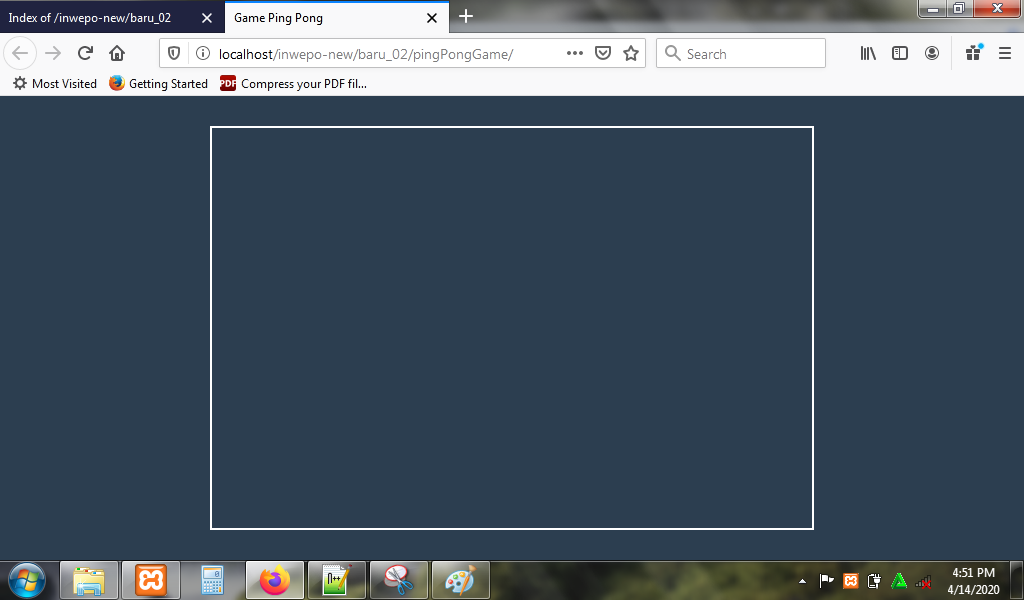
6. Reload alamat url : http://localhost/PingPongGame. Tampilan background game.
7. Untuk menampilkan game, buka kembali text editor dan ketikkan kode JavaScript berikut.
// select canvas element
const canvas = document.getElementById("pong");

// getContext of canvas = methods and properties to draw and do a lot of thing to the canvas
const ctx = canvas.getContext('2d');

// load sounds
let hit = new Audio();
let wall = new Audio();
let userScore = new Audio();
let comScore = new Audio();

hit.src = "sounds/hit.mp3";
wall.src = "sounds/wall.mp3";
comScore.src = "sounds/comScore.mp3";
userScore.src = "sounds/userScore.mp3";

// Ball object
const ball = {
    x : canvas.width/2,
    y : canvas.height/2,
    radius : 10,
    velocityX : 5,
    velocityY : 5,
    speed : 7,
    color : "WHITE"
}

// User Paddle
const user = {
    x : 0, // left side of canvas
    y : (canvas.height - 100)/2, // -100 the height of paddle
    width : 10,
    height : 100,
    score : 0,
    color : "WHITE"
}

// COM Paddle
const com = {
    x : canvas.width - 10, // - width of paddle
    y : (canvas.height - 100)/2, // -100 the height of paddle
    width : 10,
    height : 100,
    score : 0,
    color : "WHITE"
}

// NET
const net = {
    x : (canvas.width - 2)/2,
    y : 0,
    height : 10,
    width : 2,
    color : "WHITE"
}

// draw a rectangle, will be used to draw paddles
function drawRect(x, y, w, h, color){
    ctx.fillStyle = color;
    ctx.fillRect(x, y, w, h);
}

// draw circle, will be used to draw the ball
function drawArc(x, y, r, color){
    ctx.fillStyle = color;
    ctx.beginPath();
    ctx.arc(x,y,r,0,Math.PI*2,true);
    ctx.closePath();
    ctx.fill();
}

// listening to the mouse
canvas.addEventListener("mousemove", getMousePos);

function getMousePos(evt){
    let rect = canvas.getBoundingClientRect();

    user.y = evt.clientY - rect.top - user.height/2;
}

// when COM or USER scores, we reset the ball
function resetBall(){
    ball.x = canvas.width/2;
    ball.y = canvas.height/2;
    ball.velocityX = -ball.velocityX;
    ball.speed = 7;
}

// draw the net
function drawNet(){
    for(let i = 0; i <= canvas.height; i+=15){
        drawRect(net.x, net.y + i, net.width, net.height, net.color);
    }
}

// draw text
function drawText(text,x,y){
    ctx.fillStyle = "#FFF";
    ctx.font = "75px fantasy";
    ctx.fillText(text, x, y);
}

// collision detection
function collision(b,p){
    p.top = p.y;
    p.bottom = p.y + p.height;
    p.left = p.x;
    p.right = p.x + p.width;

    b.top = b.y - b.radius;
    b.bottom = b.y + b.radius;
    b.left = b.x - b.radius;
    b.right = b.x + b.radius;

    return p.left < b.right && p.top < b.bottom && p.right > b.left && p.bottom > b.top;
}

// update function, the function that does all calculations
function update(){

    // change the score of players, if the ball goes to the left "ball.x<0" computer win, else if "ball.x > canvas.width" the user win
    if( ball.x - ball.radius < 0 ){
        com.score++;
        comScore.play();
        resetBall();
    }else if( ball.x + ball.radius > canvas.width){
        user.score++;
        userScore.play();
        resetBall();
    }

    // the ball has a velocity
    ball.x += ball.velocityX;
    ball.y += ball.velocityY;

    // computer plays for itself, and we must be able to beat it
    // simple AI
    com.y += ((ball.y - (com.y + com.height/2)))*0.1;

    // when the ball collides with bottom and top walls we inverse the y velocity.
    if(ball.y - ball.radius < 0 || ball.y + ball.radius > canvas.height){
        ball.velocityY = -ball.velocityY;
        wall.play();
    }

    // we check if the paddle hit the user or the com paddle
    let player = (ball.x + ball.radius < canvas.width/2) ? user : com;

    // if the ball hits a paddle
    if(collision(ball,player)){
        // play sound
        hit.play();
        // we check where the ball hits the paddle
        let collidePoint = (ball.y - (player.y + player.height/2));
        // normalize the value of collidePoint, we need to get numbers between -1 and 1.
        // -player.height/2 < collide Point < player.height/2
        collidePoint = collidePoint / (player.height/2);

        // when the ball hits the top of a paddle we want the ball, to take a -45degees angle
        // when the ball hits the center of the paddle we want the ball to take a 0degrees angle
        // when the ball hits the bottom of the paddle we want the ball to take a 45degrees
        // Math.PI/4 = 45degrees
        let angleRad = (Math.PI/4) * collidePoint;

        // change the X and Y velocity direction
        let direction = (ball.x + ball.radius < canvas.width/2) ? 1 : -1;
        ball.velocityX = direction * ball.speed * Math.cos(angleRad);
        ball.velocityY = ball.speed * Math.sin(angleRad);

        // speed up the ball everytime a paddle hits it.
        ball.speed += 0.1;
    }
}

// render function, the function that does al the drawing
function render(){

    // clear the canvas
    drawRect(0, 0, canvas.width, canvas.height, "#000");

    // draw the user score to the left
    drawText(user.score,canvas.width/4,canvas.height/5);

    // draw the COM score to the right
    drawText(com.score,3*canvas.width/4,canvas.height/5);

    // draw the net
    drawNet();

    // draw the user's paddle
    drawRect(user.x, user.y, user.width, user.height, user.color);

    // draw the COM's paddle
    drawRect(com.x, com.y, com.width, com.height, com.color);

    // draw the ball
    drawArc(ball.x, ball.y, ball.radius, ball.color);
}
function game(){
    update();
    render();
}
// number of frames per second
let framePerSecond = 50;

//call the game function 50 times every 1 Sec
let loop = setInterval(game,1000/framePerSecond);
Simpan kode JavaScript di folder xampplite – htdocs – buat folder baru dengan nama PingPongGame – simpan code JavaScript dengan nama pong.js.
8. Reload alamat url : http://localhost/PingPongGame. Begitu alamat url di-reload, maka game langsung dimulai.
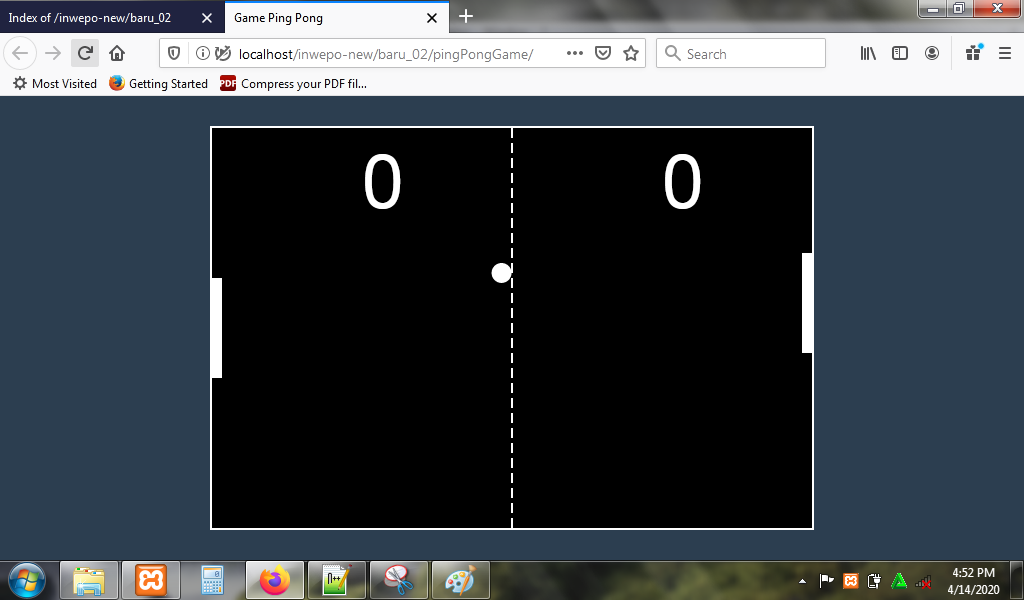
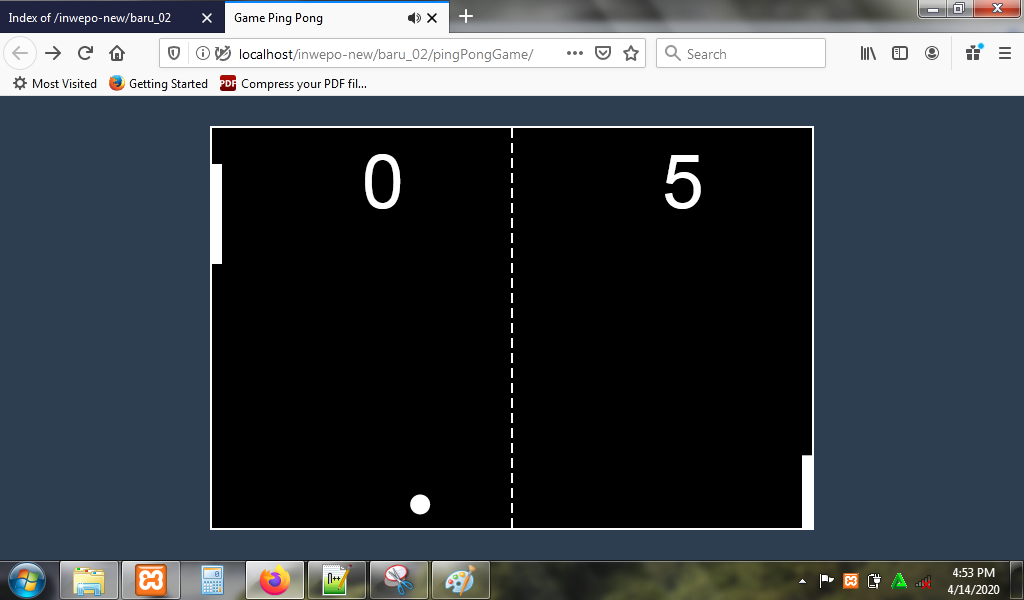
Berikut tampilan game ping pong.
9. Selesai.
Demikian penjelasan dari tutorial ‘Cara Membuat Game Ping Pong dengan JavaScript’. Selamat mencoba.